Initial Configuration
Steps to install the application with image
Launching The Application
1. Unlock the iPad and go to the Home Screen.
2. Locate the Cilika app icon (the green CiLika logo).
3. Tap the icon to open the application.
Navigating the Dashboard
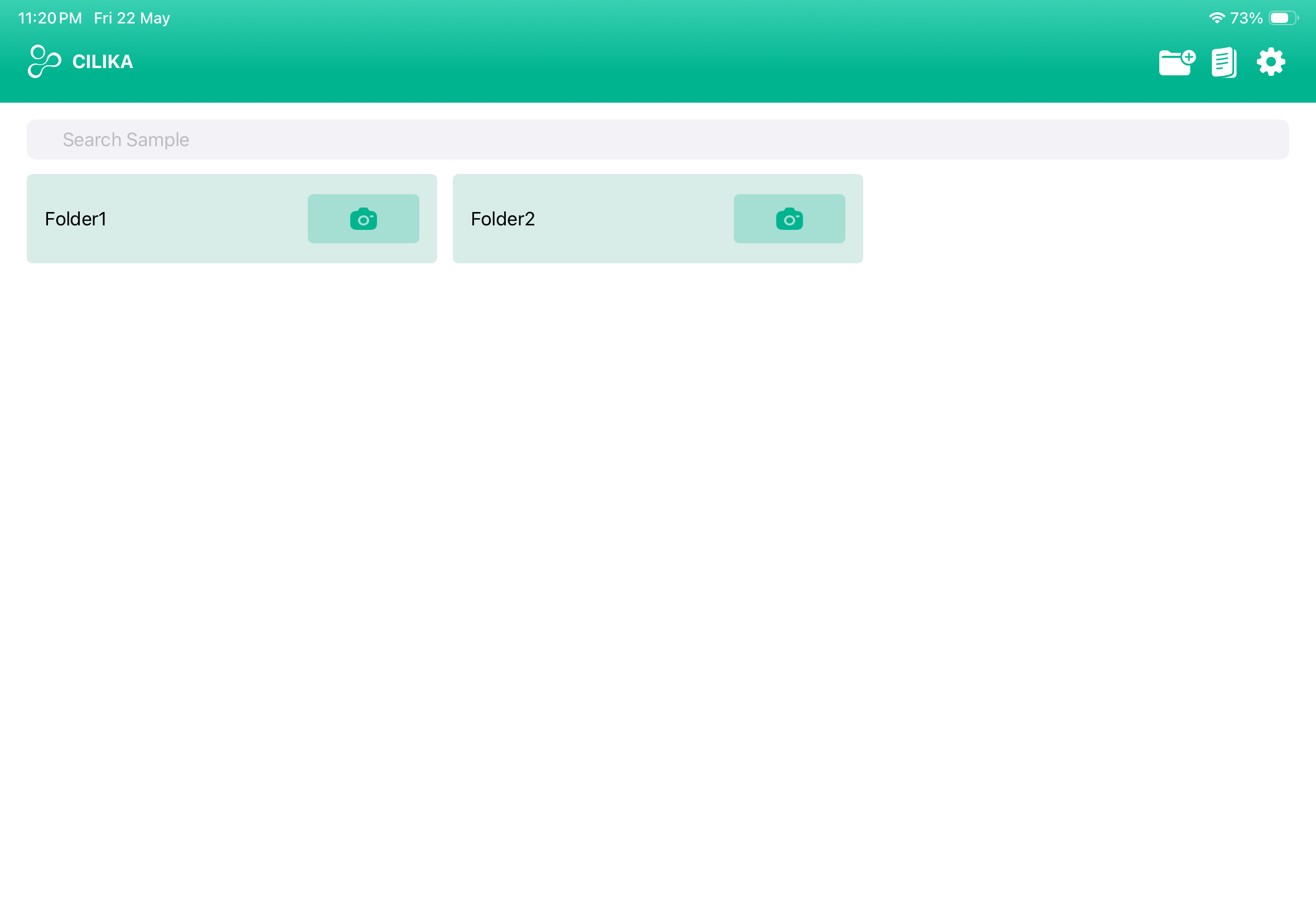
Image of the dashboard
image of icons and their names
Info graphics of dashboard tools and their features.
Creates a folder on the homepage where your files are stored.
Helps create report by uploading files and necessary details.
Dives you through various configurations of the application.