Settings
Manage Your Profile
The Profile section allows you to view your account information and manage your account.
Open Settings located at the top right corner of your dashboard.
Select Profile from the navigation panel on the left side.
Review your account information, including:
Name
Email ID
Click Reset Password if you want to change your password.
Click Logout to sign out of the application.
If required, select Delete Account to permanently remove your account.
View Analysis Limits
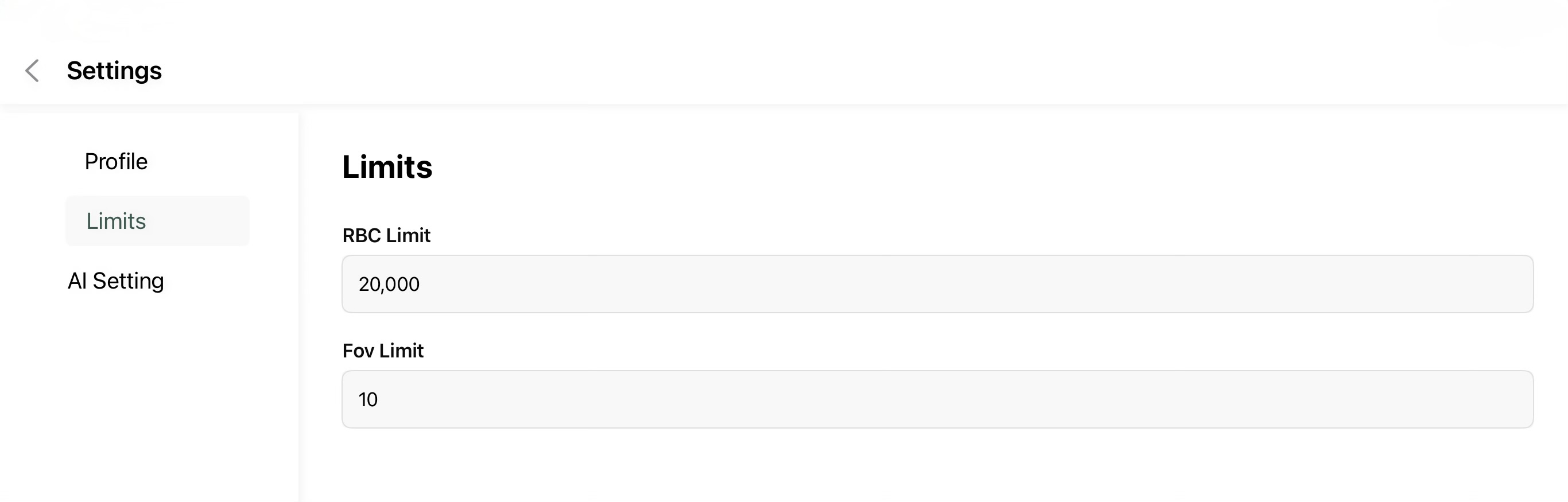
The Limits page displays the configured analysis limits used by the application.
Open Settings.
Select Limits.
Review the configured:
RBC Limit - Maximum number of red blood cells considered during analysis.
FOV Limit - Maximum number of Fields of View processed for a case.
Configure AI Settings
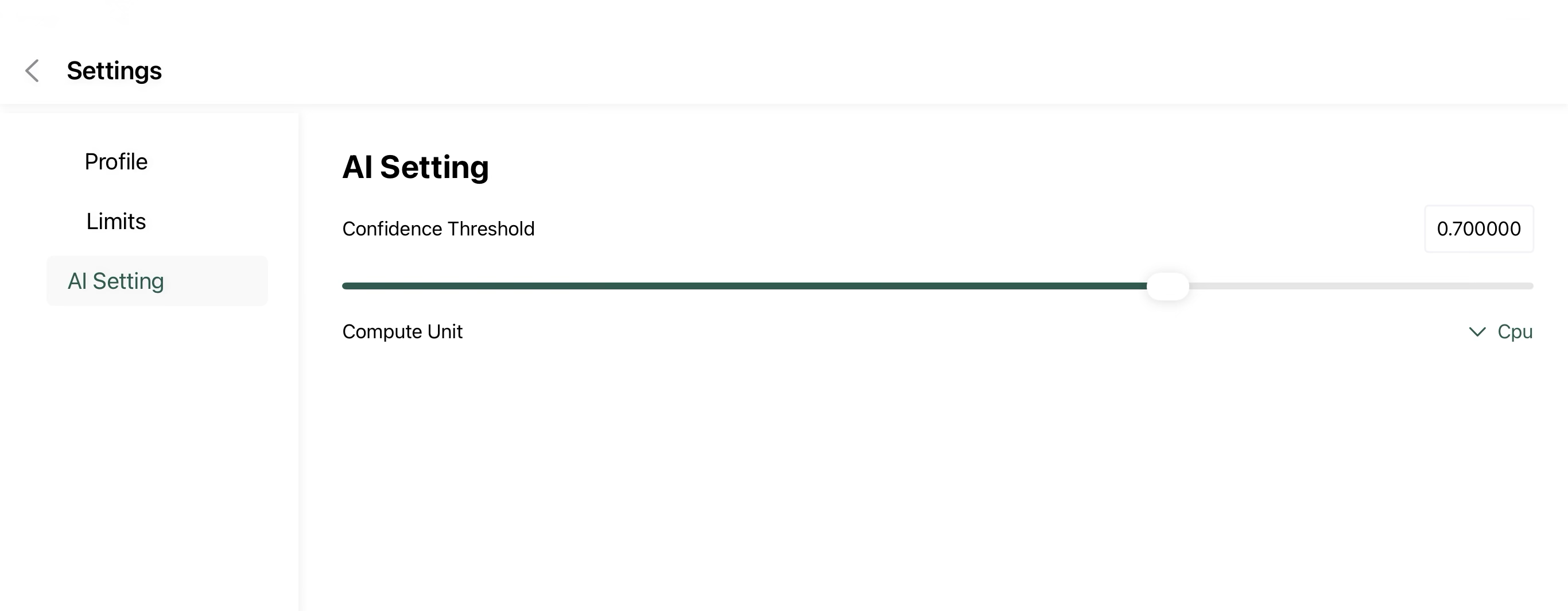
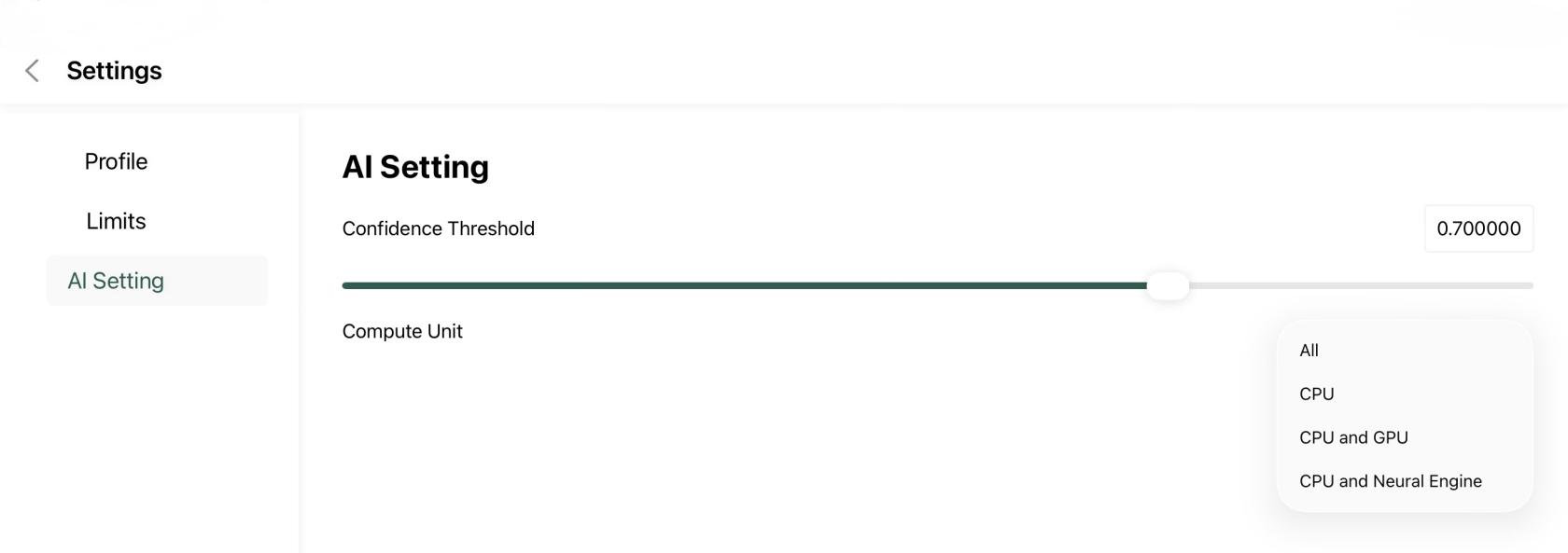
The AI Settings page allows you to customize how the AI model performs image analysis.